 A Developer's Dream: Say Goodbye to Hand-Coding UI
Turn Designs into Clean
Production-Ready Code


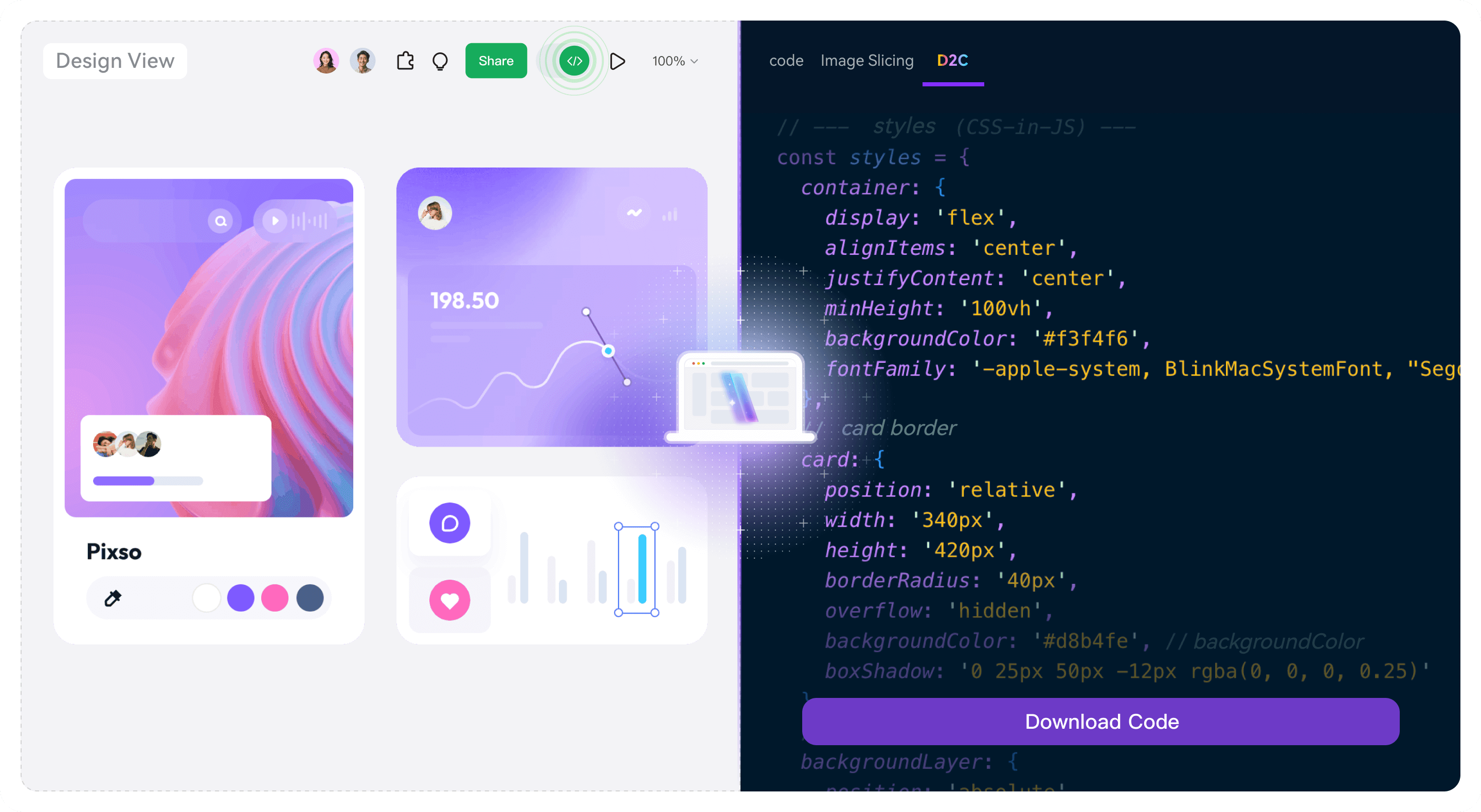
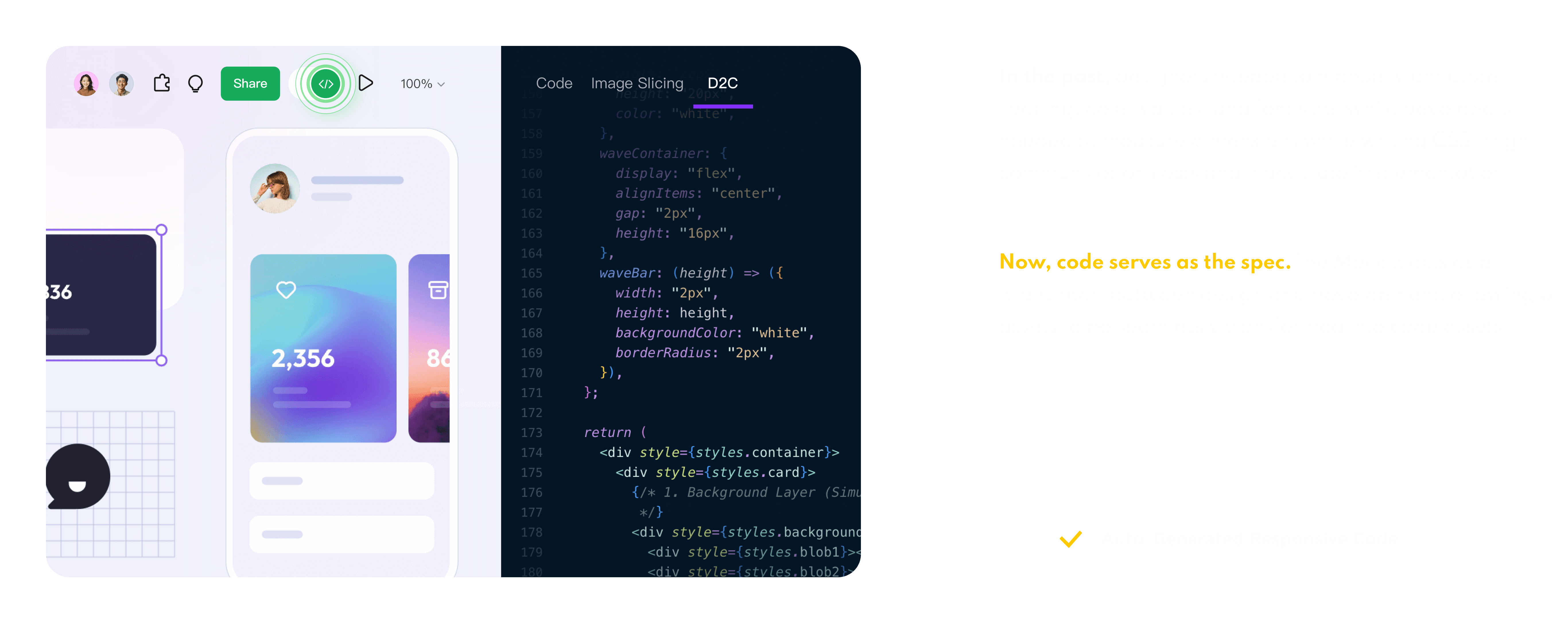
Mockitt design supports automatic generation of standard front-end code such as
HTML, Vue, React, Flutter, ArkUI, etc,
Guarantees pixel-perfect implementation and unified code standards
Not Only Code,
But Also Standard Development Assets
Following standard engineering structure, it can be generated and reused, reducing one-time code and later rework


Go from Design to Deployment in Just 3 Steps
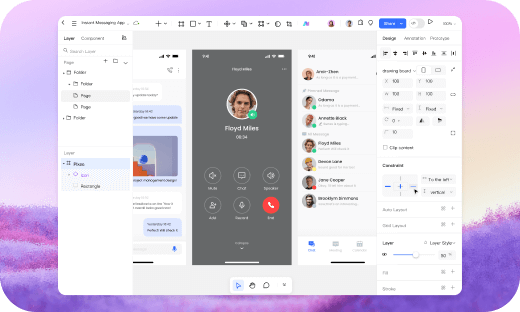
1. Confirm the design draft
Create a prototype design draft through Mockitt,Or import Axure, Sketch, Figma design drafts
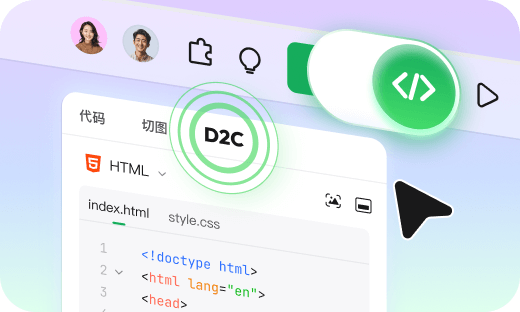
2. Enter developer mode
Switch to Developer Mode,Select D2C function and choose the technology stack configuration used in the project
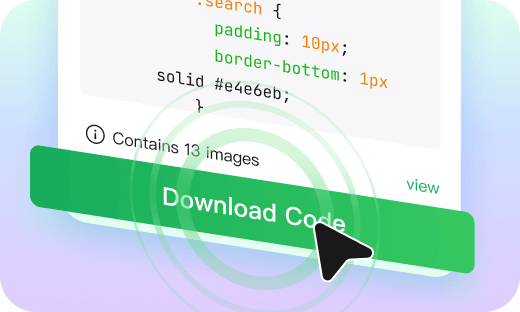
3. Download code package
After generating the code, view and click "Download Code" on the right panel You can use it directly in the local editor
Reshaping the Standards for 
Design-to-Development
Collaboration
Full Capabilities of Mockitt AI
Covering the full prototyping workflow from inspiration to delivery—let AI be your ultimate design co-pilot

Design to Code
Convert the design draft directly into HTML/ArkUI/Vue/React Standardized code in multiple formats

Image to Prototype
Upload sketches or screenshots, AI instantly generates editable prototypes

AI UI Design Generator
After describing the requirements, AI automatically generates a design draft for multi terminal adaptation

HTML to Prototype
Paste code and restore it to an editable prototype with one click

AI PRD Generator
Draft comprehensive, developer-ready requirements instantly. Stop writing docs from scratch

AI Requirements Review
Quickly capture industry competitor data and generate in-depth research report

AI Product Research
Quickly capture industry competitor data and generate in-depth research report

AI Product Plan Generator
Create structured product strategies and market analysis backed by AI intelligence

AI Test Case Generator
Automatically extract functional points and generate test cases based on PRDs or prototypes