 Stop Sketching. Start Designing
Turn Images into
Editable Prototypes


in Seconds
Skip the grunt work. Convert screenshots and doodles into production-ready prototypes in one click
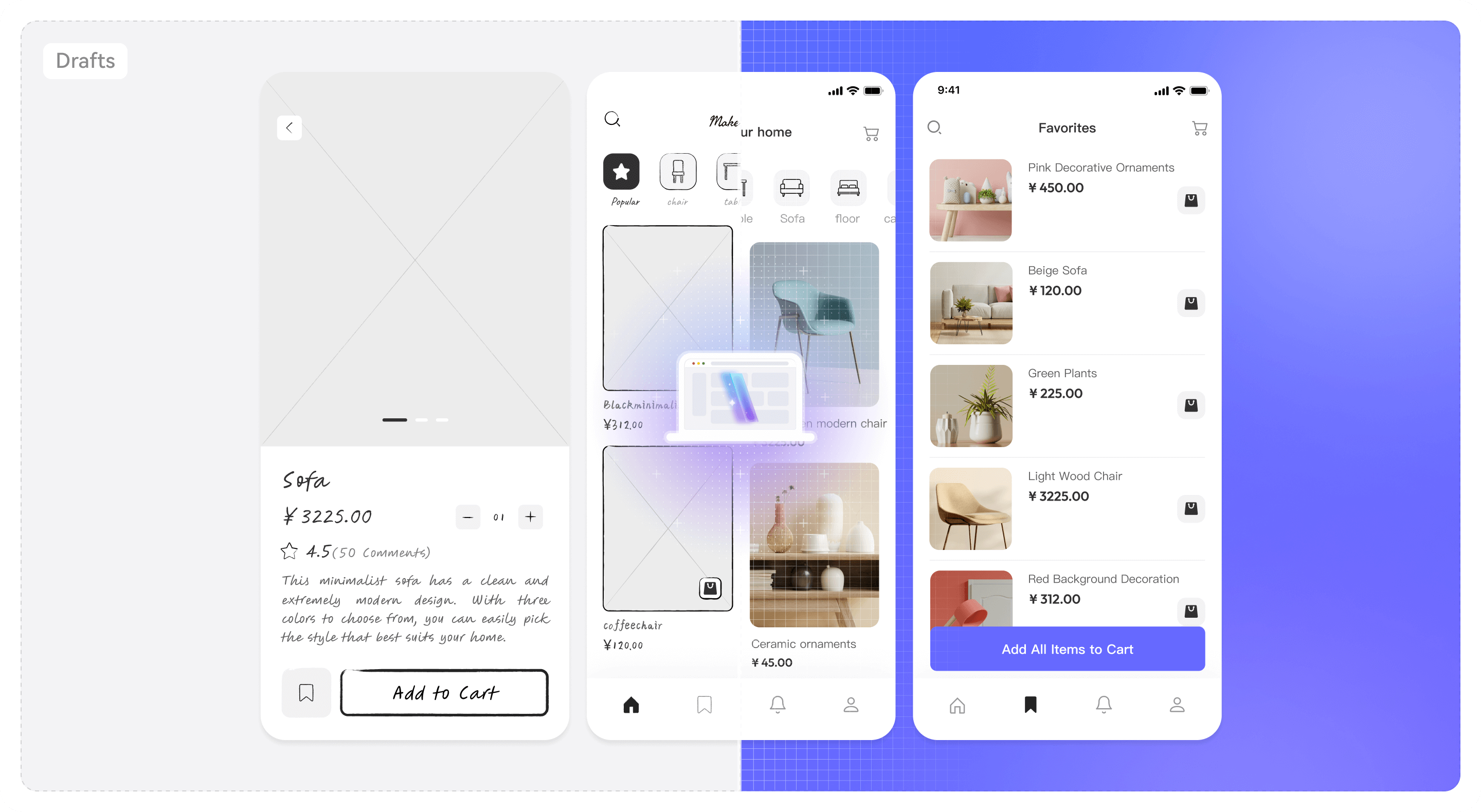
From Pixel to Component,
Just One Step
AI performs deep image analysis and identifies interface structure, saving automating 90% of manual design work


Workflow: Image to Prototype
1. Upload Image
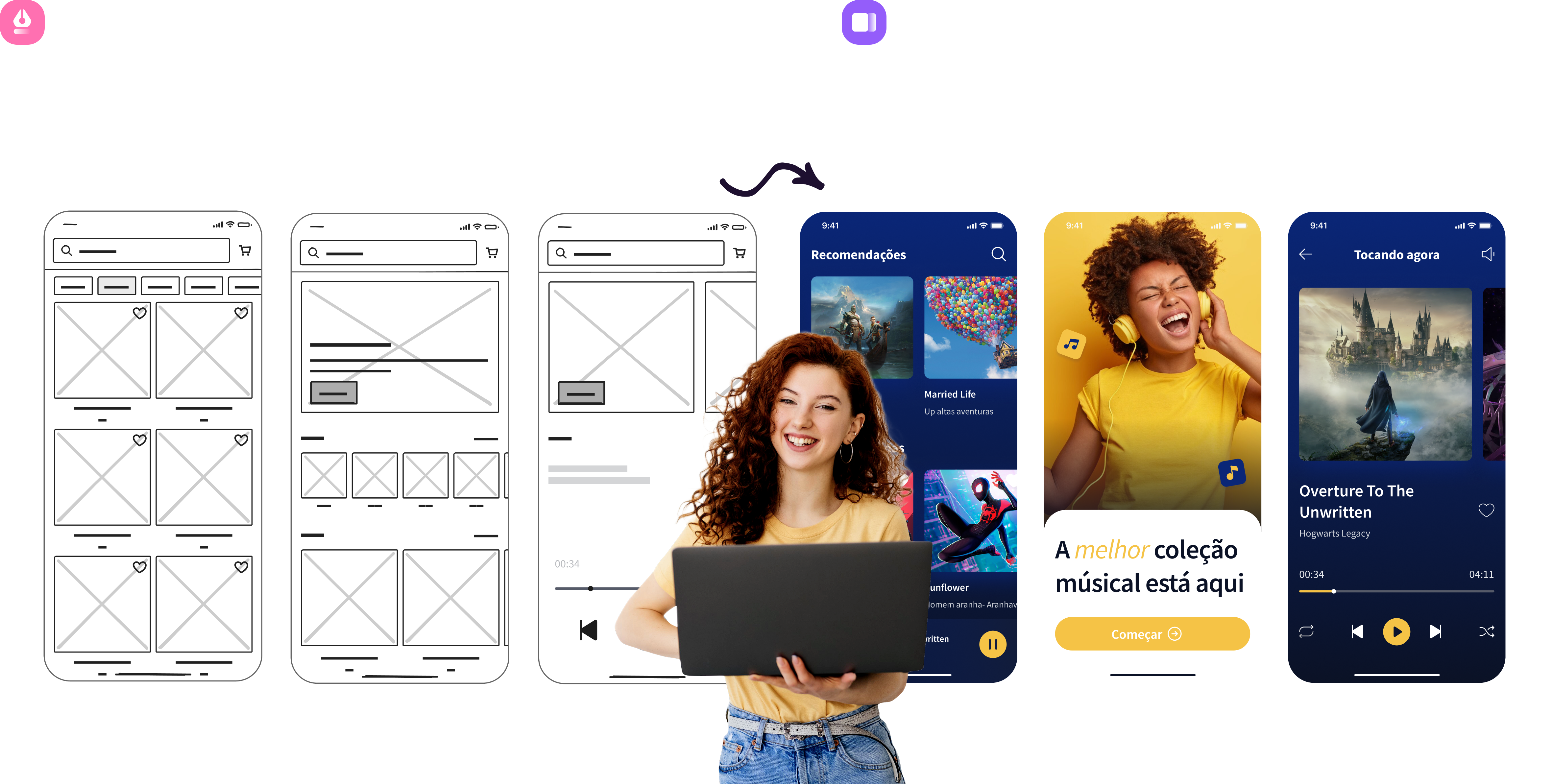
Select the "Image to Prototype" function, upload a photo of your hand-drawn sketch, or a screenshot of the function from the app/webpage
2. AI Recognition
The AI vision engine quickly analyzes image structure, recognizes text, buttons, images, and containers, and transforms them into editable prototype components
3. Drag and Drop to Fine-tune
Once recognition is complete, you can freely adjust details and add interactive links on the canvas to quickly generate high-fidelity solutions
More than Just Recognition 
It's a Multiplier
for Design Efficiency
Full Capabilities of Mockitt AI
Covering the full prototyping workflow from inspiration to delivery—let AI be your ultimate design co-pilot

Image to Prototype
Upload sketches or screenshots, AI instantly generates editable prototypes

HTML to Prototype
Paste code and restore it to an editable prototype with one click

AI UI Design Generator
After describing the requirements, AI automatically generates a design draft for multi terminal adaptation

AI PRD Generator
Draft comprehensive, developer-ready requirements instantly. Stop writing docs from scratch

Design to Code
Convert the design draft directly into HTML/ArkUI/Vue/React Standardized code in multiple formats

AI Requirements Review
Quickly capture industry competitor data and generate in-depth research report

AI Product Research
Quickly capture industry competitor data and generate in-depth research report

AI Product Plan Generator
Create structured product strategies and market analysis backed by AI intelligence

AI Test Case Generator
Automatically extract functional points and generate test cases based on PRDs or prototypes